
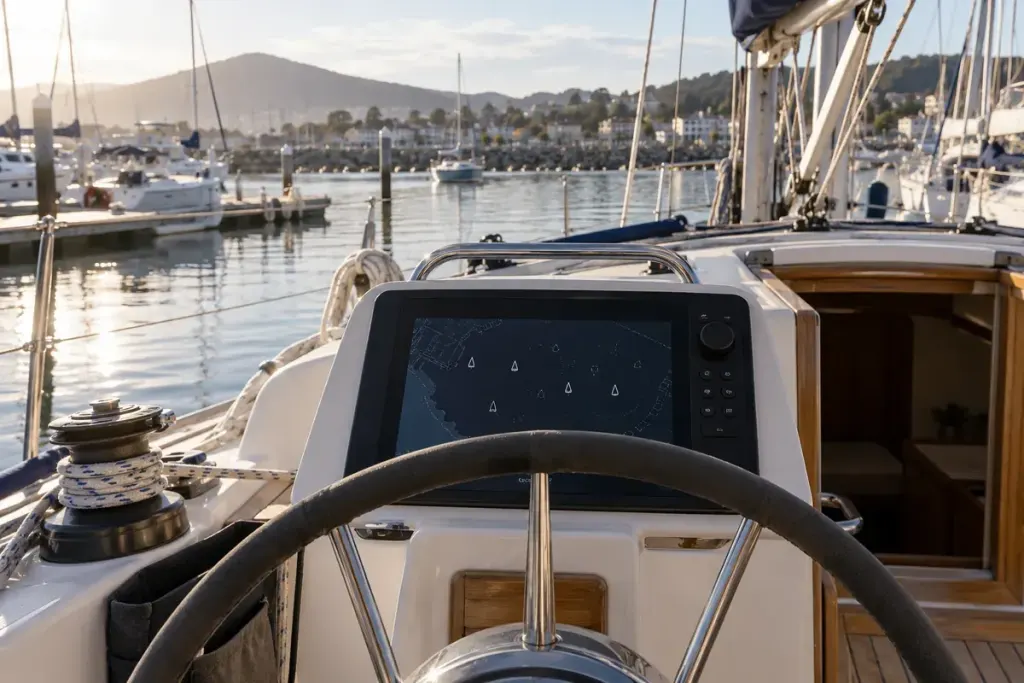
An AIS display can make a busy stretch of water look wonderfully organised: vessel symbols, names and numbers gathered in one place. The danger is treating that organisation as completeness. A boat without a symbol has not necessarily disappeared. It may never have been represented there.
AIS exchanges information transmitted by equipped stations. It is not a camera looking at every object around you. Understanding that distinction is a useful first lesson before trying to interpret the more complicated figures on a display.
Three different reasons for a missing picture
The IMO’s operational guidelines, hosted by the US Coast Guard, explain several limitations: not every vessel carries AIS, a fitted vessel may not be transmitting, and transmitted information can be incorrect. AIS therefore cannot provide a complete account of surrounding traffic or replace other available safety information.
Those are three different questions. “Is the vessel equipped?” concerns the source. “Is a report reaching this display?” concerns transmission and reception. “Is the report accurate?” concerns the information itself. A reassuring symbol answers none of them completely.
Consider an illustrative shore-side exercise. You can see two small boats near a pontoon, while a demonstration display shows one target. Write down the mismatch. Do not invent the missing boat’s equipment, conclude that the receiver is broken, or assume the represented target must be the nearer boat. The observation is useful precisely because it leaves those possibilities open.
Treat the data as a report
Open one target’s information with an instructor and separate the fields. Which identify the vessel? Which describe movement? Does the display show an age or last-update indication? What happens when information becomes stale? The answers depend on the equipment, so its manual belongs beside the exercise.
Do not silently substitute heading for course over ground, or an old position for a present one. If a label is unfamiliar, find its definition before drawing a line on a chart. A plausible number can still answer the wrong question.
A useful question for the next lesson
Ask: “How do we cross-check an AIS target against our lookout and the other equipment on this boat?” That invites a demonstration tied to the actual installation and local conditions. A screenshot alone cannot teach that working routine.
Keep practice with menus and screenshots for a safe, supervised setting. Underway, maintaining the required lookout and following navigation rules remain essential. The best result of this first lesson is a more careful relationship with the display: useful information, with visible limits.
AI-generated editorial illustration; not a documentary photograph.